Zapier
Automate your Slite workflows with Zapier and let Slite reach your connected apps.
Toevoegen aan Slite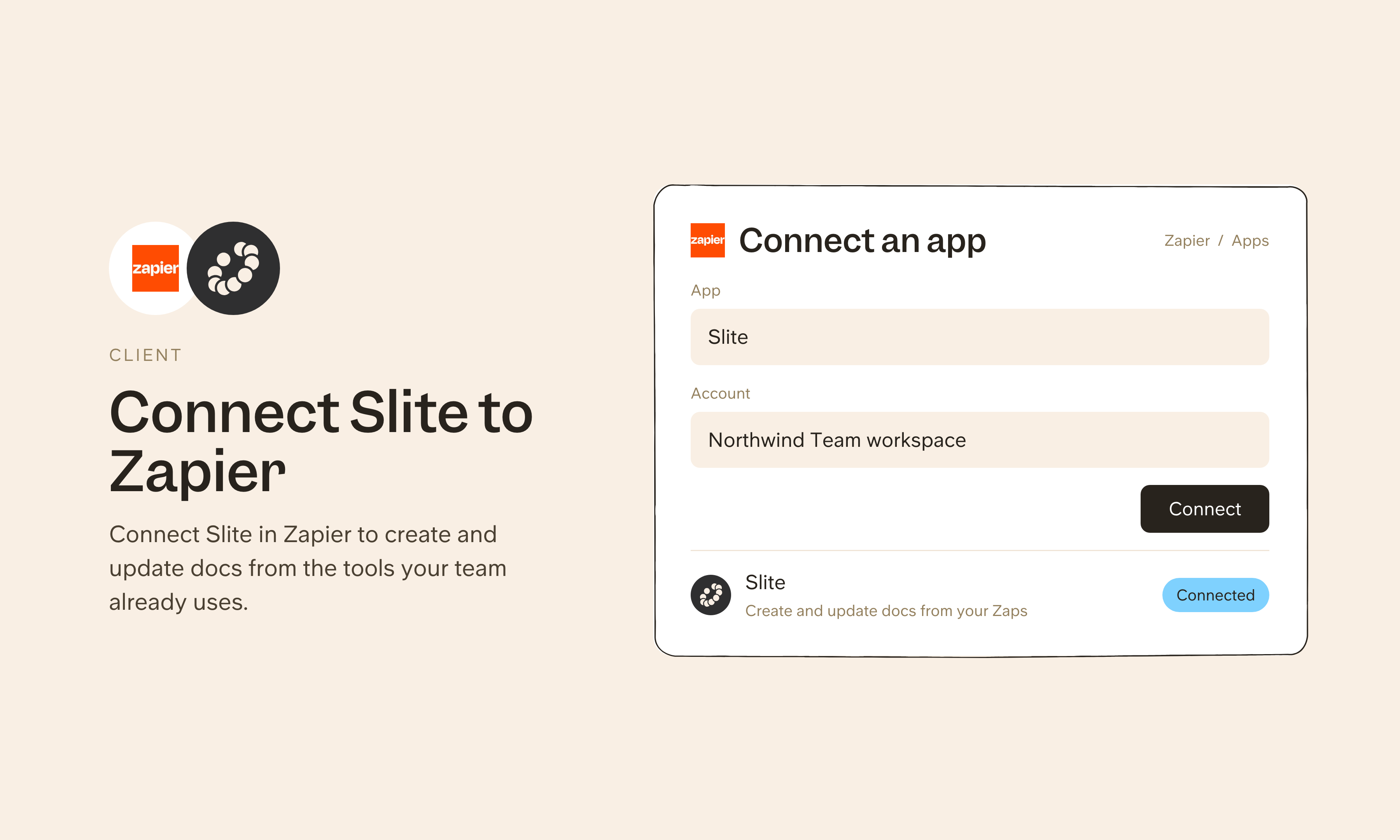
Overzicht
Zapier connects Slite to thousands of other apps without code, so you can create docs from form submissions, log meeting notes from your calendar, or push Slite content to other tools when something changes. You can also connect Zapier as a source, and Zapier's MCP server lets Slite reach the apps you've connected in Zapier through one connection.
Hoe het werkt
To set up an automation, open the Slite page in the Zapier directory and pick a Zap template, or build your own from scratch. Connect your Slite account when prompted, set the trigger (the event that starts the automation) and the action (what Slite should do), and turn the Zap on. It runs in the background from there.
To use Zapier as a source, add Zapier under Agent sources in Slite's settings with the server URL https://mcp.zapier.com/api/v1/connect, then approve access in Zapier. Slite can then reach the apps you've connected in Zapier through one connection. You can share the connection with teammates, or an admin can set it up so each person connects their own account.
Need help setting up your Zapier integration with Slite? Contact support .
We take privacy seriously. Slite is SOC 2 Type II certified, GDPR and HIPAA compliant, with all data encrypted in transit and at rest on EU-based infrastructure. Your data is never used to train, nor retained by, third-party LLMs. See our security page for more information.
Gemaakt door
Slite
Categorieën
Automatiseringen
Productiviteit